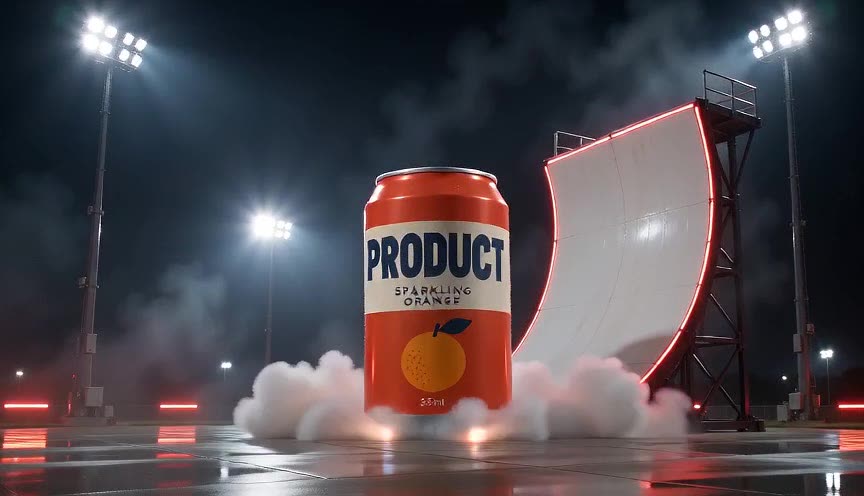
Flying Car AI Video Generator
Upload a photo of your car and watch it climb a curved ramp, go upside down, flip back to level on thrusters and land in a cloud of vapor. No prompt, no editing.
- 1 car photo
- 8 seconds
- Sound effects
- 9:16 · 1:1 · 16:9
Create · Flying Car Stunt
READY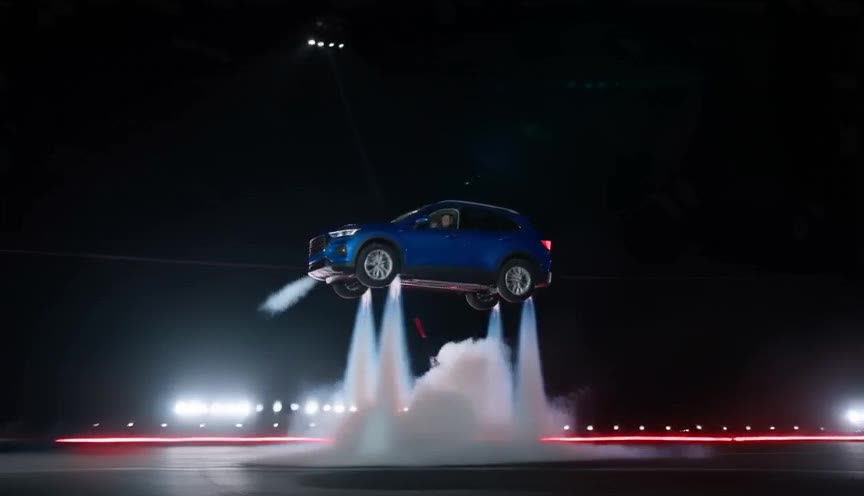
The whole car in frame, side or three-quarter view, in daylight. JPG, PNG or WebP · up to 20MB
Each result is a new AI video: likeness, details and motion can vary.
Private by default — never shown in a public gallery. My videos
Quick answer: To make your car fly with AI, upload one photo of the whole car (side or three-quarter view), pick a frame and create. You get an 8-second MP4 of your car climbing a curved ramp, going upside down, flipping and landing on thrusters, with sound effects. The stunt is built in — no prompt, no Kling or Runway setup.
What people are making
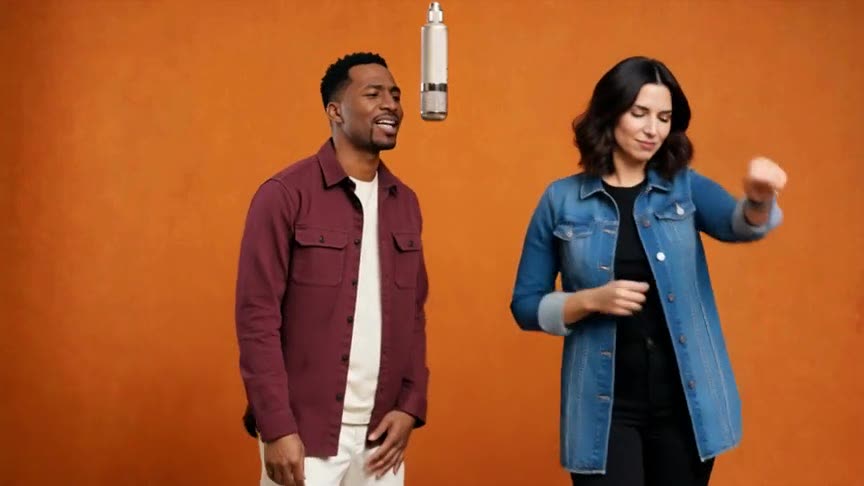
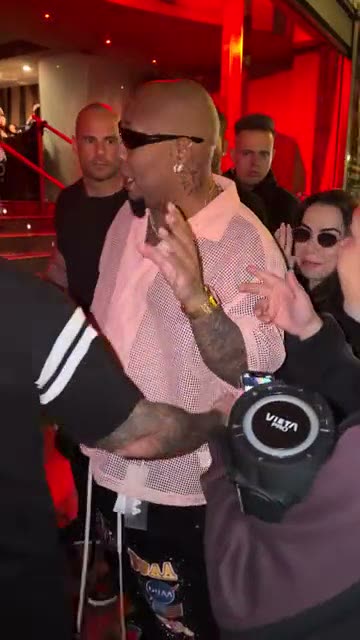
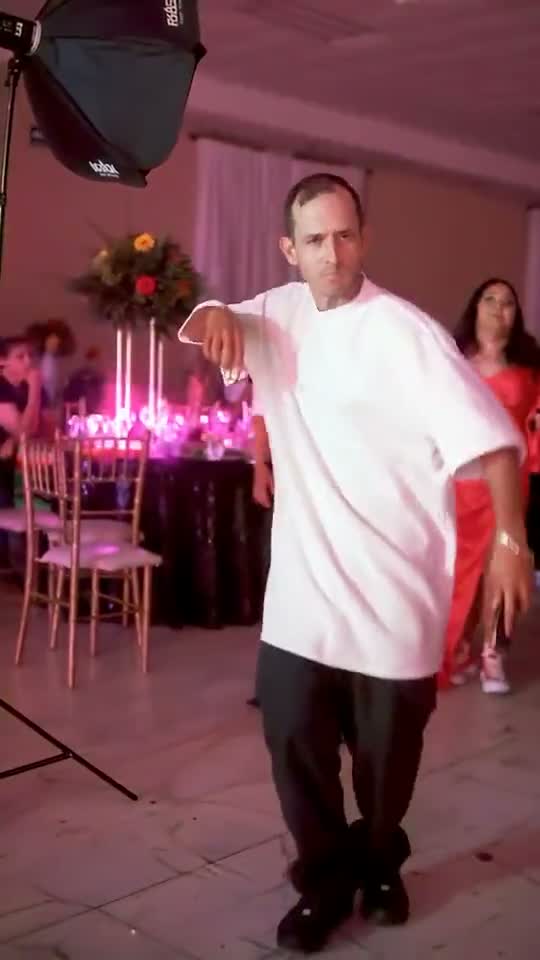
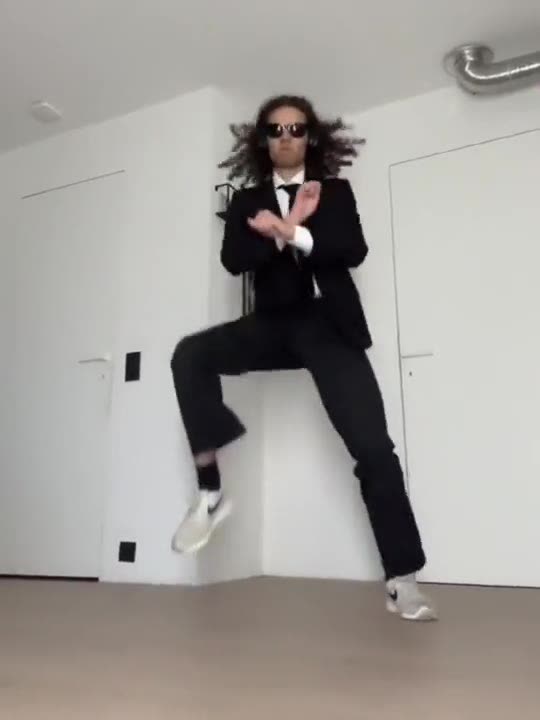
Results, fan versions and the original clip. Tap the speaker to listen. Every AI video is unique, so yours will differ.
How to make it
Add your photo
Upload a clear photo. It stays private to your account.
Choose the format
9:16 for TikTok and Reels. Every video is 720p HD and uses 2 credits.
Create and download
Your video is ready in a few minutes in My videos.
Photos that work best
Whole car in frame
Cropped bumpers or wheels make the model guess.
Side or three-quarter view
The stunt is filmed side-on, so these angles match best.
Daylight, no clutter
A clean, well lit photo keeps paint and details accurate.
Any wheels work
Hatchbacks, pickups, classics — even a bike or a shopping cart for a laugh.
What is a flying car AI video?
The flying car trend took off after the Tesla Roadster reveal in October 2026, where a prototype drove up an inverted ramp, flipped in mid-air and landed on thrusters. Now people make their own car do it.
The stunt reference guides the action and camera; your photo supplies the paint, body shape and wheels, so the car in the video is yours. The MP4 comes with rushing air, thruster hiss and touchdown sound effects.
Read the guide: How to Make Your Car Fly With AI From One Photo (2026 Guide)
FAQ
Does it work with any car?
Yes — any vehicle photo works. Clear, full-car photos give the most faithful result.
How long is the video?
Eight seconds, with sound effects.
How much does it cost?
Each 720p HD video uses 2 credits. One-time HD packs from $9.99 (as low as $8.00 per video), or subscribe from $39.99 a month for custom templates and early access to new trends.
Do I need Kling, Runway or a prompt?
No. General image-to-video apps need you to write and tweak a prompt. Here the stunt is built in: upload the car photo, pick a frame and create.
Is it the Tesla Roadster stunt?
It follows the same idea — ramp, upside down, flip and a landing on thrusters — but with the car from your photo.
Is it free?
Watching the examples is free; making a video uses credits (2 per 720p HD video). There is no free trial, and a failed generation returns its credits automatically.
Do I need to download an app?
No. It runs in your phone or computer browser — upload, create and download the MP4 to post on TikTok, Reels or Shorts.
What if the result does not look right?
AI likeness, details and motion vary from video to video. A failed generation returns its credits automatically. Contact support if a finished video has a problem.
Who can see my photos and videos?
Nobody else. Photos and results are private to your account and never shown in a public gallery. Your photo is shared with our video provider only to process your request.
Is this official?
No. This is an independent tool and is not affiliated with Tesla.
Still have a question? support@aitrendvideo.net
More trends
All trends