Dime Dime Baby AI Video Generator
Turn one photo into your version of the viral Dime Dime Baby (Bby Wow) dance: the walk-in, the bread bite, the deadpan stare and the spin back into the party.
- 1 photo
- 10 seconds
- Soundtrack included
- 9:16 · 1:1 · 16:9
Create · Dime Dime Baby
READY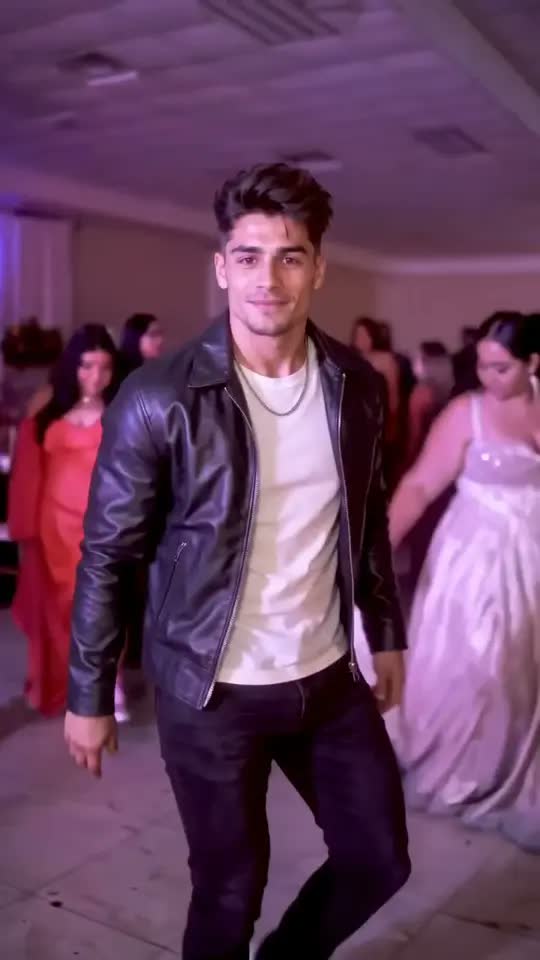
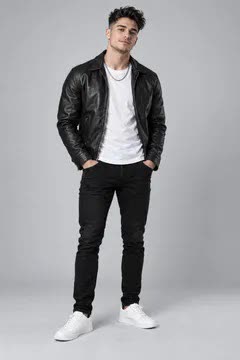
One person, face large and looking at the camera — the stare is the whole joke. JPG, PNG or WebP · up to 20MB
$9.99 for one HD video or two at 480p · No subscription
Each result is a new AI video: likeness, details and motion can vary.
Private by default — never shown in a public gallery. My videos
Quick answer: To make the Dime Dime Baby (Bby Wow) AI video, upload one photo with your face looking at the camera, pick a frame and create. You get a 10-second MP4 of you doing the walk-in, the concha bite, the stare and the spin, with the soundtrack already added. No prompt, no app.
What people are making
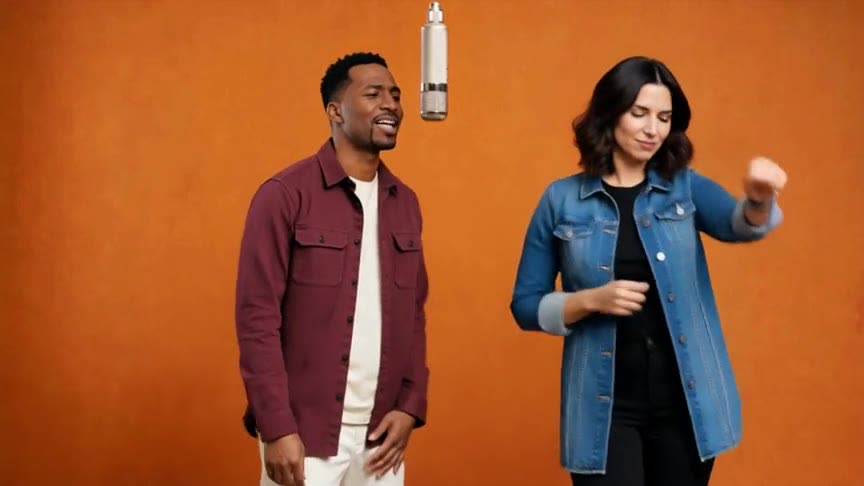
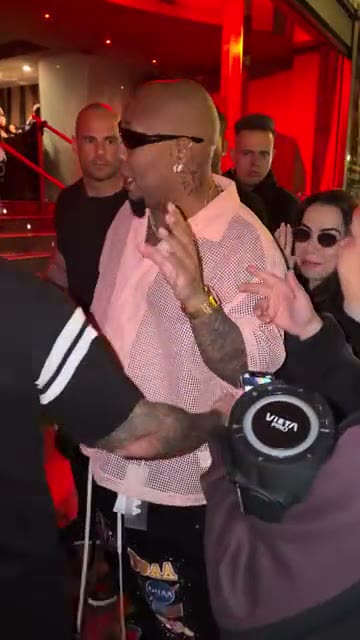
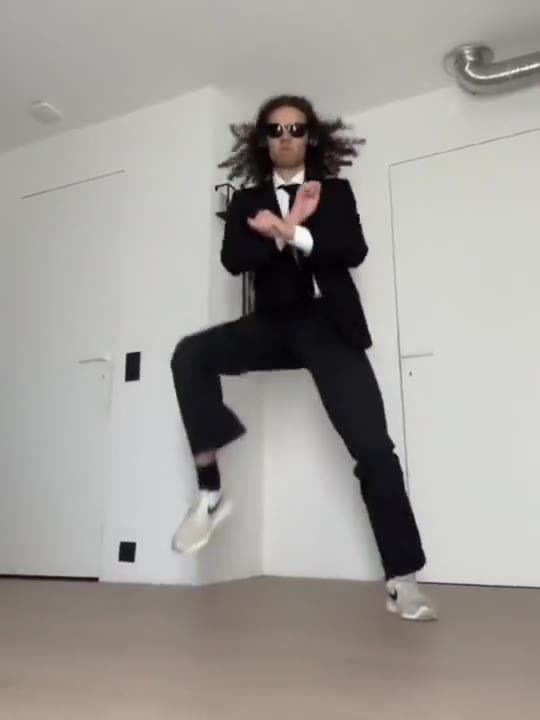
Results, fan versions and the original clip. Tap the speaker to listen. Every AI video is unique, so yours will differ.
Photo used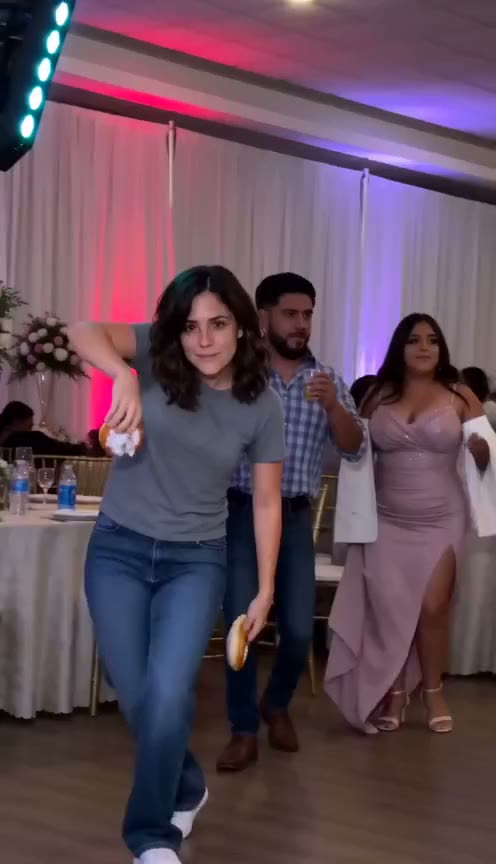
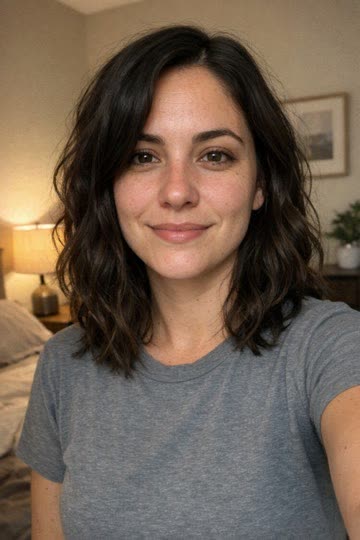 Photo used
How to make it
Pick one photo
One person, face large and looking straight at the camera — the stare at the end only works when the face is clear.
Upload it above
Drop it into the generator on this page. It stays private to your account.
Choose the frame
9:16 for TikTok, Reels and Shorts, 1:1 for the feed, 16:9 for YouTube. 720p HD uses 2 credits; 480p uses 1.
Create and download
The 10-second MP4 — walk-in, concha bite, stare and spin, soundtrack included — appears in My videos in a few minutes.
Photos that work best
Look at the camera
The deadpan stare only lands with a front-facing photo.
One person only
Group photos confuse who should dance.
Nothing over the face
No sunglasses, masks, hands or heavy filters.
Even light
Daylight or a bright room beats backlight and night shots.
What is the Dime Dime Baby trend?
The clip was filmed at a quinceañera in Mexico: a staff member dances toward the phone, takes a huge bite of a concha, stares into the lens and spins away. Spanish-speaking TikTok calls it Dime Dime Baby; in English it is the Bby Wow guy.
The original clip guides the choreography, timing and camera; your photo guides the dancer. Each result is a new AI video with the example soundtrack added after generation.
Read the guide: Dime Dime Baby (Bby Wow): The Meme Explained, Plus How to Make the AI Video
Where Dime Dime Baby came from
- The clip
At a quinceañera in Mexico, a man dances up to a guest’s phone, takes a huge bite of a concha, stares into the lens and spins back into the party.
- The song
TikTok pairs it with a sped-up cut of “BbY WOW” by KAROL G with Judeline and rusowsky, so the bite lands right on the hook.
- October 2026
The pairing turns the clip into the Bby Wow guy meme, and AI versions — people putting their own face in the dance — quickly take over the trend.
- Also known as
Bby Wow, Bby Wow guy, BbY WOW dance, Dime Dime Baby AI, the quinceañera concha meme.
Ideas for your Dime Dime Baby video
Yourself at the party
The classic: you, owning the dance floor with a concha in hand.
The friend who always eats first
Everyone has one. The bite and the stare were made for them — ask first.
Your dad or your uncle
Family members who would never dance on camera are the funniest versions, with their OK.
Caption it
Something like “me when the pan dulce comes out” works; add Dime Dime Baby or Bby Wow so people searching for it find you.
FAQ
Is Dime Dime Baby the same as Bby Wow?
Yes. Dime Dime Baby is the Spanish-speaking name and Bby Wow the English one; both refer to the same quinceañera clip.
How long is the video?
Ten seconds, following the original clip.
Which frame should I choose?
9:16 for TikTok, Reels and Shorts, 1:1 for the feed, 16:9 for YouTube.
How much does it cost?
Each 720p HD video uses 2 credits. One-time HD packs from $9.99 (as low as $8.00 per video), or subscribe from $39.99 a month for custom templates and early access to new trends.
Is it a face swap or a full dance?
A full new video of the dance: your photo guides the dancer, and the original clip guides the moves, timing and camera.
Does the video include music?
Yes. The example soundtrack is added after generation, so the video is ready to post.
Is it free?
Watching the examples is free; making a video uses credits: 1 at 480p, 2 at 720p HD, shown before you create. You pay once, with no subscription, and get the credits back if a video fails or comes out clearly broken.
Do I need to download an app?
No. It runs in your phone or computer browser — upload, create and download the MP4 to post on TikTok, Reels or Shorts.
Can I use someone else’s photo?
Only with their permission. Do not upload photos of public figures, of minors without a parent’s consent, or of anyone who has not agreed to appear in the video. Label AI-generated clips when you share them.
What if the result does not look right?
AI likeness, details and motion vary from video to video, and a sharper, front-facing photo helps most. If a video fails, its credits return automatically. If a finished video comes out clearly broken (it is not from your photo, someone is missing, or the file is broken), email support within 7 days and we return the credits. See the refund policy.
Who can see my photos and videos?
Nobody else. Photos and results are private to your account and never shown in a public gallery. Your photo is shared with our video provider only to process your request.
Is this official?
No. This is an independent tool, not affiliated with KAROL G, Judeline, rusowsky, their labels, TikTok or the person in the original clip.
Can I use my own clip instead of this trend?
Yes. With a monthly plan or the Mega pack, upload any clip you may use, pick 4–15 seconds and it becomes your own template with its original sound. Make your own template
Still have a question? support@aitrendvideo.net
More trends
All trends