
TRENDING NOW
AI Trend Video Generator
Pick a viral AI trend, add your photo and get a ready-to-post video in minutes — or upload any clip and turn it into your own template. No prompts, no editing.
7 viral trend templates · dance, rap, memes and cars · upload a photo, no prompt · 9:16 for TikTok, Reels and Shorts · custom templates from your own clips · credit cost shown before you create
All trends
Every template uses the same credits. Tap one to start.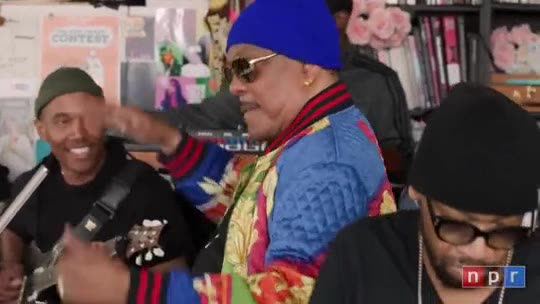
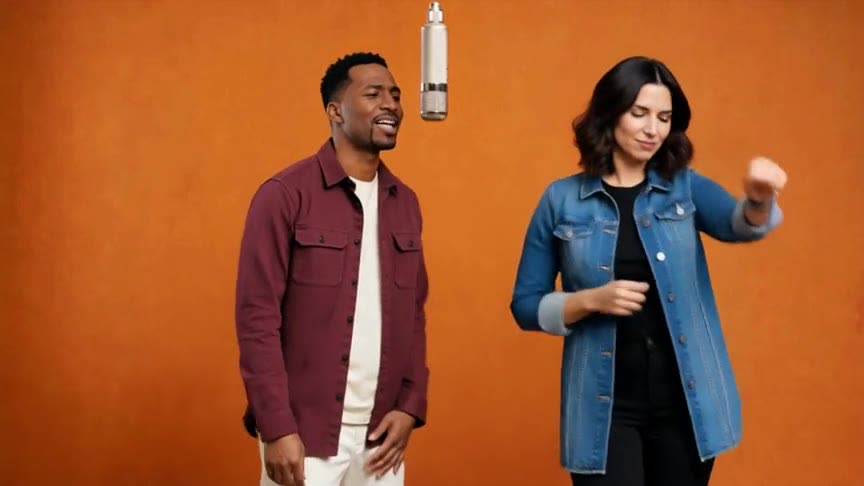
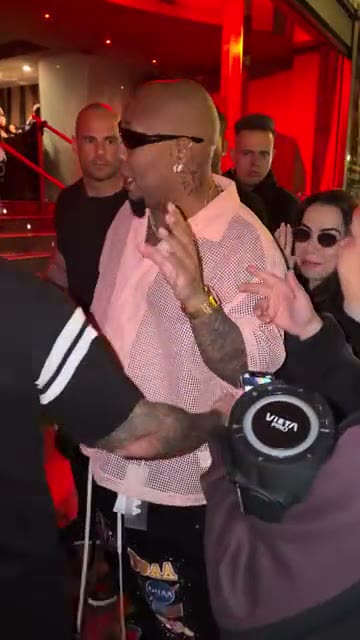
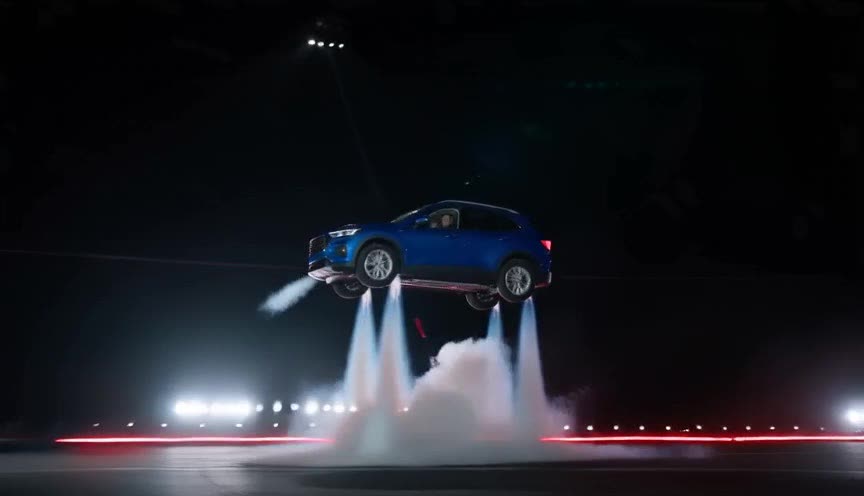
Turn any clip into your own template.
Saw a video you want to remake? Upload the clip, pick the part you want and it becomes a template in your account in a minute. Included with monthly plans from $39.99 and the Mega pack, plus early access to new trends.
How it works
Pick a trend
Each template is a viral trend ready to remake: the moves, camera and timing are already set.
Add your photo
One clear, front-facing photo — two for duo trends. No prompt to write.
Download and post
Your MP4 is ready in a few minutes, without a watermark, in My videos.
Why AI Trend Video
Trends while they are hot
New templates arrive as soon as a trend starts moving, not weeks later.
Built on the real trend
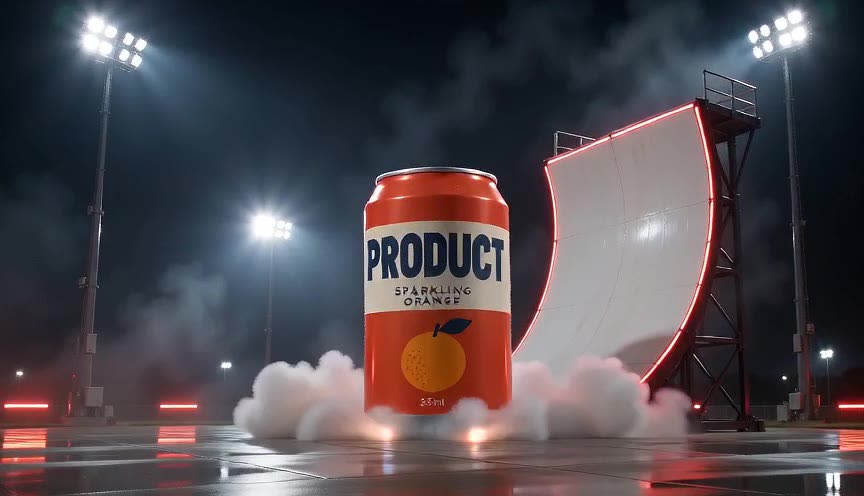
Most templates follow the actual viral clip, so the result looks like the trend people know. The product ad runs a set stunt from your photo alone.
Your own templates
Found a clip that isn’t here yet? Creator plans turn your own clips into templates in your account.
Private by default
Your photos and videos are never shown in a public gallery.
Questions
What is AI Trend Video?
An online generator for viral AI video trends. Choose a template, upload a photo and get a short MP4 of you (or your friend, your parents, your car) in the trend.
Which viral AI video trends can I make?
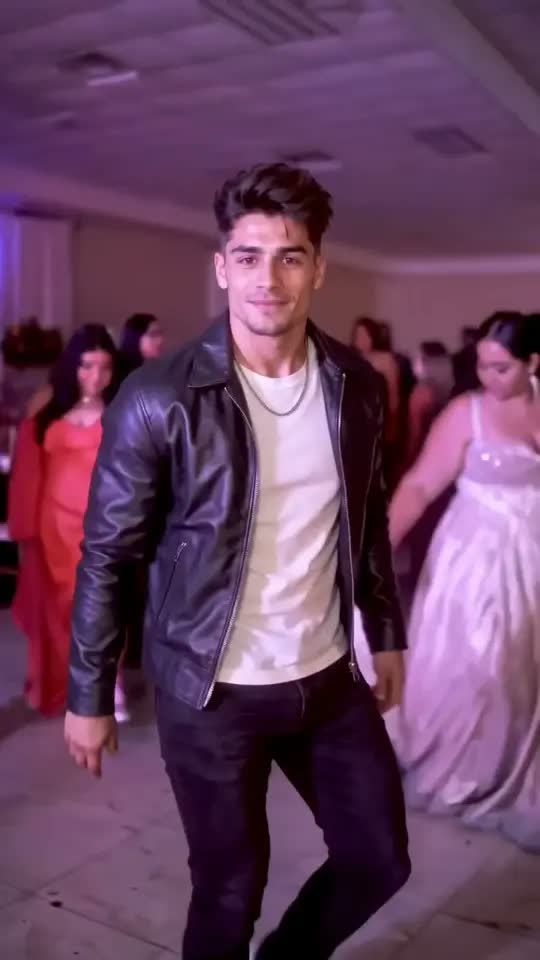
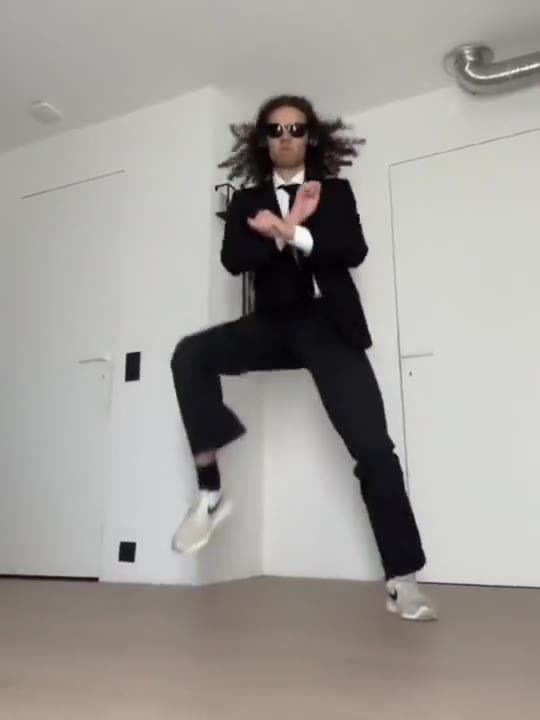
Every template is listed under All trends: AI Rap Duo (hotel lobby rap), Bulin 47 Freestyle, Dime Dime Baby (Bby Wow), Gangnam Style Dance, Flying Car Stunt, Flying Product Ad, and Tiny Desk AI. New trends are added as they start moving.
Can I use my own video as a template?
Yes, with a monthly plan or the Mega pack. On the generator, choose Your video, upload a clip and pick the 4–15 second part you want: it becomes a template only your account can use, with its original sound. Then add your photo like any other trend. Only use videos you own or have permission to use, with no minors, no public figures without consent and no explicit content.
Do I need to write a prompt?
No. Each trend has its moves, camera and timing set in advance — most from the original clip, the product ad from a fixed stunt. You only add a photo.
Is it free?
Watching the examples is free; making a video uses credits: 1 at 480p, 2 at 720p HD, shown before you create. You pay once, with no subscription, and get the credits back if a video fails or comes out clearly broken.
Do I need to download an app?
No. It works in the browser on your phone or computer, and the MP4 is ready to post on TikTok, Reels or Shorts.
How much does a video cost?
Every trend costs the same. One-time packs start at $9.99 for one HD video (as low as $8.00 per video in bigger packs) and never expire; monthly plans start at $39.99 and add custom templates and early access to new trends.
How long does it take?
Usually 2 to 6 minutes. You can close the page — finished videos wait in My videos.
Is there a watermark?
No. Downloads are clean MP4 files.
What if a video fails?
Failed generations return their credits automatically. AI results vary, so likeness and motion can differ from one video to the next.
Can I cancel a subscription?
Yes, anytime from your account menu. You keep the credits of the current period until it ends.
Are you affiliated with the trends’ artists or brands?
No. AI Trend Video is an independent tool. Names are used only to describe each trend.
Still have a question? support@aitrendvideo.net