AI Rap Video Generator
Upload two photos and put both people into the viral two-rapper clip: the orange studio, the microphone hanging between them, the arm reach, the watch check and the spin. The original sound is added for you.
- 2 photos
- 15 seconds
- Original sound
- No prompt
Create · AI Rap Duo
READY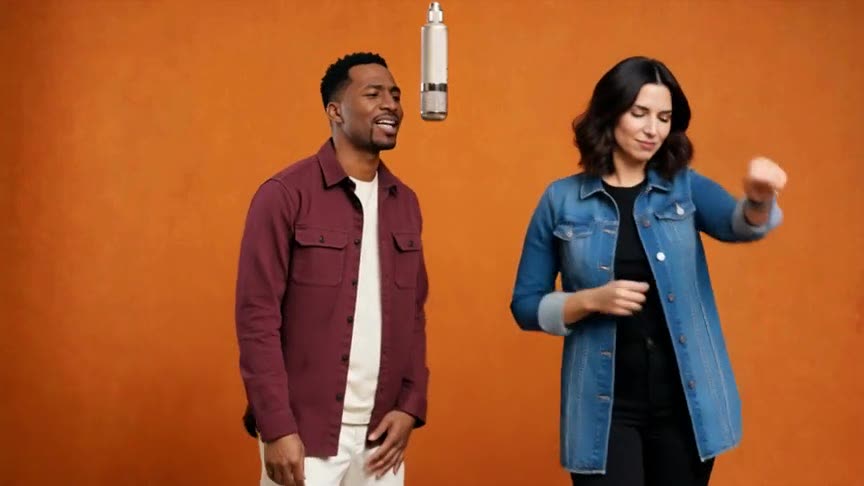
One clear, front-facing person per photo. The first photo becomes the rapper on the left. JPG, PNG or WebP · up to 20MB
Each result is a new AI video: likeness, details and motion can vary.
Private by default — never shown in a public gallery. My videos
Quick answer: To make the viral AI rap video, upload two photos — one person in each — choose 9:16, 1:1 or 16:9 and create. You get a 15-second MP4 of both people rapping in the orange room under the hanging mic, with the original sound. No prompt, no app: it runs in your browser.
What people are making
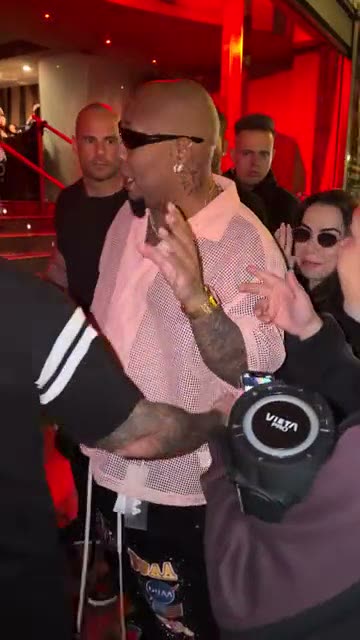
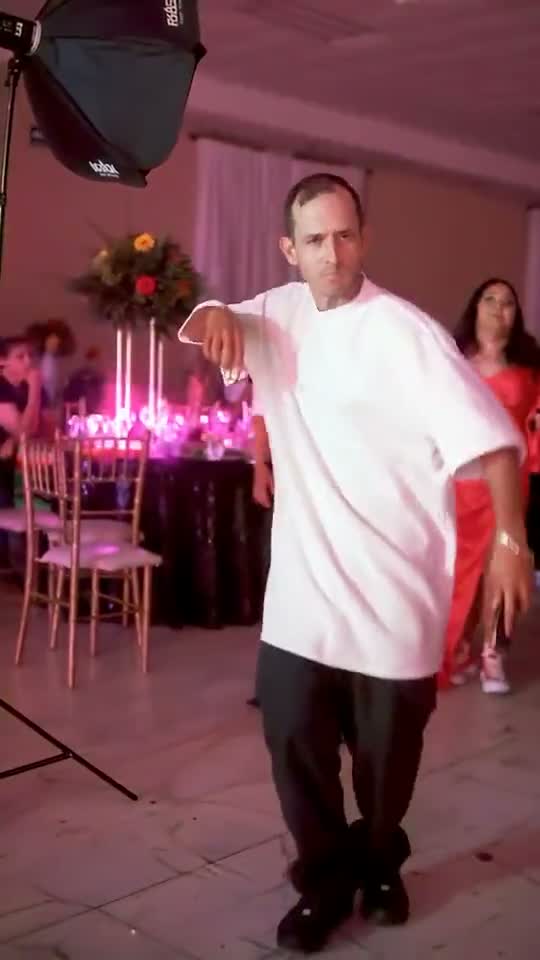
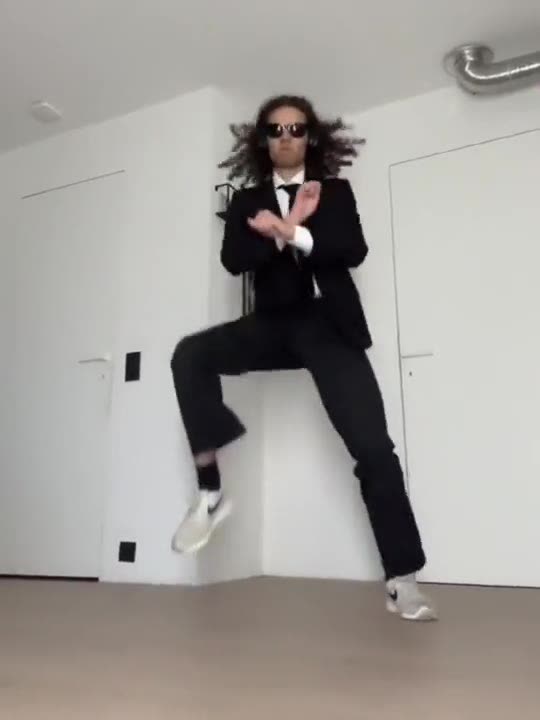
Results, fan versions and the original clip. Tap the speaker to listen. Every AI video is unique, so yours will differ.
How to make it
Add your photo
Upload a clear photo. It stays private to your account.
Choose the format
9:16 for TikTok and Reels. Every video is 720p HD and uses 2 credits.
Create and download
Your video is ready in a few minutes in My videos.
Photos that work best
One person per photo
Crop group shots so each photo shows one clear face.
Face the camera
Front-facing, sharp and well lit beats sunglasses or side profiles.
Half body or more
Upper body photos keep the outfit; a selfie works too.
Mix it up
Couples, best friends, you and your boss — the contrast is the joke.
What is the AI rap video trend?
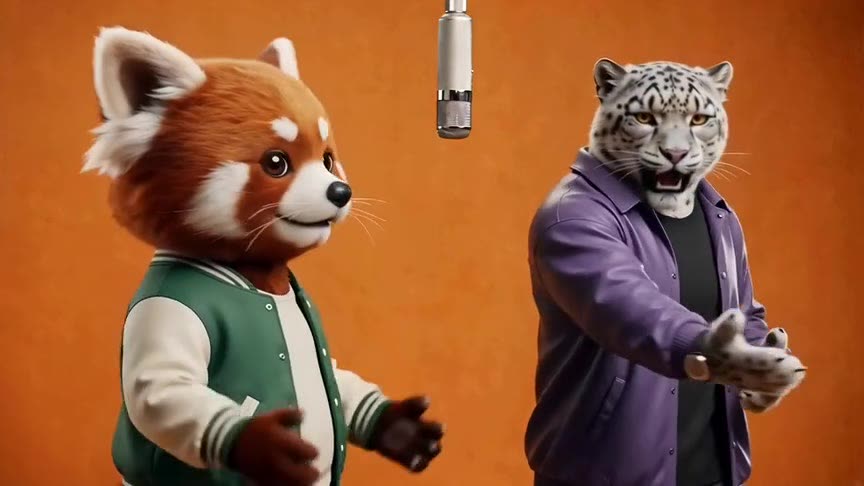
The AI rap video trend takes one short performance — two rappers in an orange studio with a microphone hanging between them — and swaps new people into it. People search for it as the AI rap duo, the orange-room rap or the Hotel Lobby AI video, and post it with friends, couples, coworkers and even pets.
Here you do not write a prompt or edit anything. The reference performance guides the choreography, camera and timing; your two photos guide who is rapping. Each result is a new AI video, so faces, details and motion can vary.
Read the guide: How to Make the Hotel Lobby AI Rap Video With Two Photos (2026)
FAQ
How do I make the AI rap video with two people?
Upload a photo for the left rapper and one for the right rapper, choose the frame and create. The video is ready in a few minutes in My videos.
Can I use one photo with two people in it?
Use two separate photos, one person each. Crop a group photo into two images if you need to.
Does the video have sound?
Yes. The original performance sound is added after generation, so the MP4 is ready to post.
How long is the video?
Fifteen seconds, the full performance.
How much does it cost?
Each 720p HD video uses 2 credits. One-time HD packs from $9.99 (as low as $8.00 per video), or subscribe from $39.99 a month for custom templates and early access to new trends.
What app makes the hotel lobby AI rap video?
People use web tools with the trend built in, like this one: no app to install and no prompt to write. General video apps need a prompt and do not keep the exact performance.
Can I make it with just one person?
The template needs two photos. To rap with yourself, upload two different photos of you.
Is it free?
Watching the examples is free; making a video uses credits (2 per 720p HD video). There is no free trial, and a failed generation returns its credits automatically.
Do I need to download an app?
No. It runs in your phone or computer browser — upload, create and download the MP4 to post on TikTok, Reels or Shorts.
Can I use someone else’s photo?
Only with their permission. Do not upload photos of public figures, of minors without a parent’s consent, or of anyone who has not agreed to appear in the video. Label AI-generated clips when you share them.
What if the result does not look right?
AI likeness, details and motion vary from video to video. A failed generation returns its credits automatically. Contact support if a finished video has a problem.
Who can see my photos and videos?
Nobody else. Photos and results are private to your account and never shown in a public gallery. Your photo is shared with our video provider only to process your request.
Is this official?
No. AI Trend Video is an independent tool and is not affiliated with any artist, label, TikTok or the people in the original clip.
Still have a question? support@aitrendvideo.net
More trends
All trends