Tiny Desk AI Video Generator – Make Your Own Band Video
Give yourself and your friends a role in the “Outstanding” desk concert. Add 1–5 separate photos for a 15-second vertical video with the performance audio. Choose Cat or dog to use pet photos.
- 1–5 photos · one per role
- 15 seconds · 9:16
- Original performance sound
- 720p HD
Create · Tiny Desk AI
READY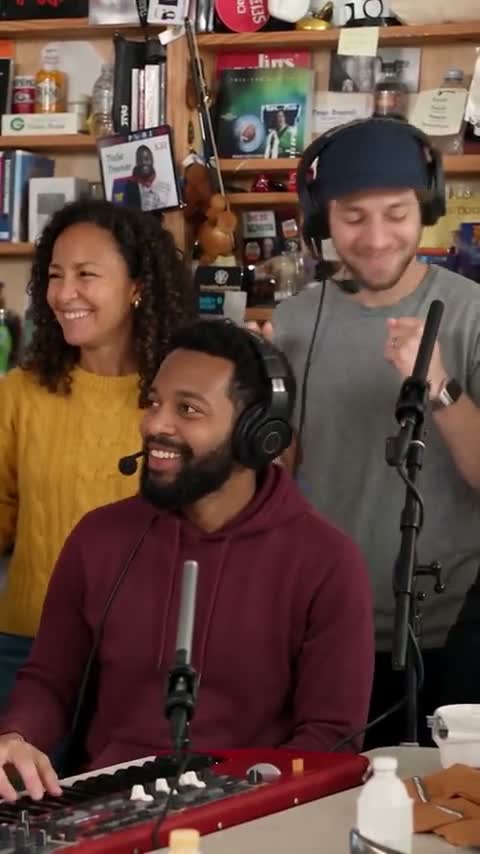
Original concert excerpt · Shows the source performance, not an AI result made here.
One consenting adult per photo. Match the five labels; fill only the roles you want to change. Left and right refer to the viewer’s perspective in the group shot. JPG, PNG or WebP · up to 20MB
$9.99 for one HD video or two at 480p · No subscription
Each result is a new AI video: likeness, details and motion can vary.
Private by default — never shown in a public gallery. My videos
Quick answer: This Tiny Desk AI video generator turns 1–5 portraits into a 15-second vertical band video in 720p HD with performance audio. Replace one featured role or all five for the same 2 credits. No prompt or video editor is needed.
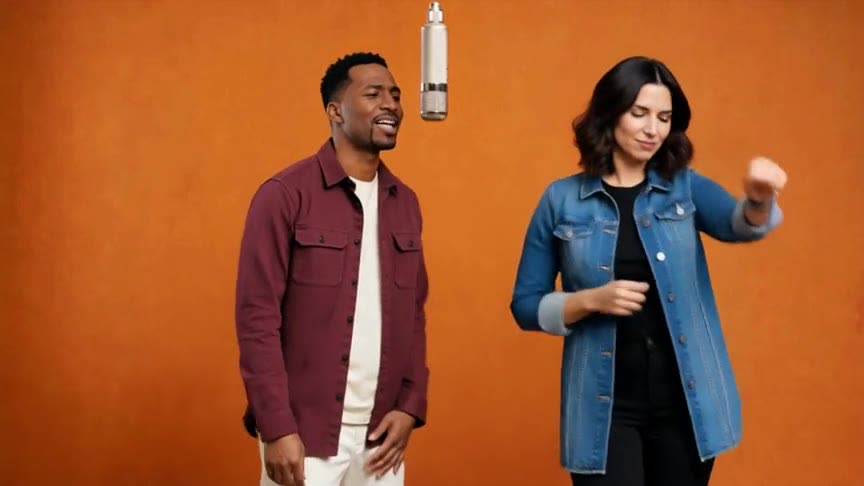
AI band example and original performance
See five AI-created portraits become a band in the generated example: group shots, a lead-singer close-up and a saxophone solo. The second video is the original concert excerpt for comparison. Results and likeness can vary.
Create your band video in four steps
Choose people or pets
Select People or the experimental Cat or dog mode for this video.
Add your cast
Upload 1–5 individual portraits to the labeled roles. Leave other slots empty.
Confirm the cost
One 15-second 720p HD video uses 2 credits, whichever roles you select.
Download your video
Generate, then review and download the MP4 with performance audio from My videos.
Can I make the Tiny Desk AI video with my cat or dog?
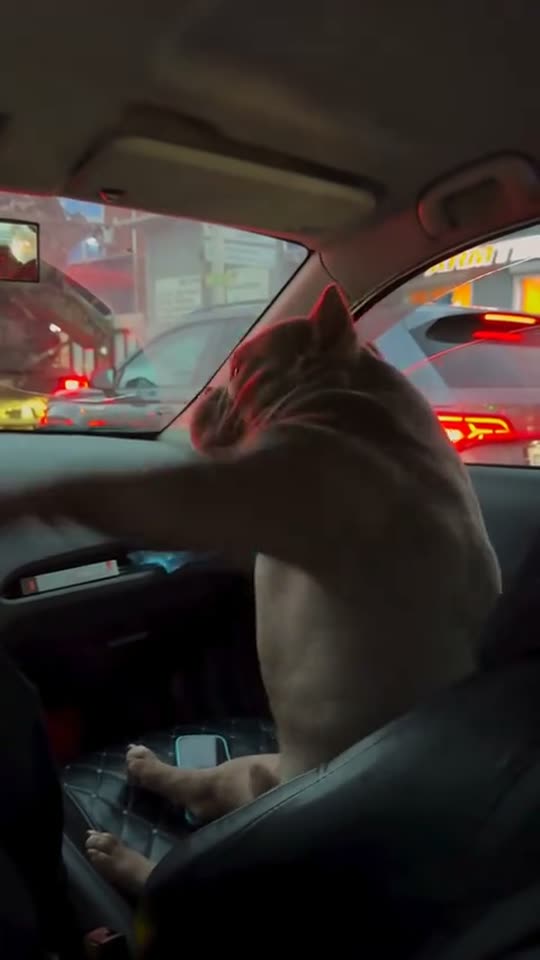
Experimental pet mode uses the same video format and 2-credit cost. Choose Cat or dog for the whole cast; people and pets cannot be mixed in one generation. Pet likeness, paws and instruments can vary, and background musicians may remain human.
Photos that work best
Keep each face clear
Avoid sunglasses, masks and heavy filters. Use a sharp portrait with visible eyes and enough detail for profile views.
Show the outfit
A chest-up or waist-up portrait provides more clothing detail than a tightly cropped face.
One performer per image
Crop group photos into separate portraits. Put each person in the role you want them to play, with their permission.
Use even light
Avoid deep facial shadows and blurry screenshots, especially when the performance includes profile shots.
Which Tiny Desk AI video are people making?
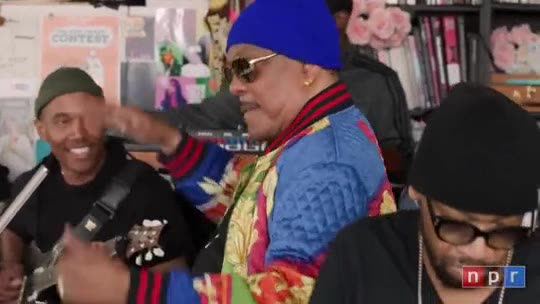
The Outstanding version recasts the performers in a desk concert: a crowded office setting, a singing and laughing lead, a close band arrangement and an instrumental break. The recognizable reference is Charlie Wilson’s NPR Tiny Desk performance of “Outstanding”, a song by The Gap Band. The new cast is an AI remake, not footage of those people actually performing.
Choose which of the five featured roles to replace; the template supplies the performance timing and camera cuts. AI may alter identities, unfilled roles or other details, so review the finished video before sharing.
Read the guide: How to Make a Five-Person Tiny Desk AI Video
Where the Outstanding Tiny Desk AI trend comes from
- June 5, 2023
NPR Music published Charlie Wilson: Tiny Desk Concert. Its set list includes “Outstanding”.
- October 2026
AI remakes recast the concert with new performers, including football coaches. Kapwing’s October 27 tutorial documents the format and a workflow for making it.
- Also known as
AI Tiny Desk, Tiny Desk Outstanding AI, Outstanding AI video, Tiny Desk AI template and the coaches Tiny Desk meme.
Sources
Ideas for your Tiny Desk band
Your five-person friend group
With everyone’s OK, give each friend a role. Put the most expressive friend on lead for the laughing close-up.
An office band
With their OK, cast coworkers across the three group spots, lead and sax. Caption it as an AI remake.
A birthday headliner
Put the consenting birthday person on lead and friends in the band, or change just the lead and leave other roles empty.
Five pet performers
Choose Cat or dog and fill all five roles for an experimental pet version. Other background musicians from the reference may remain human.
Tiny Desk AI generator, CapCut template or AI song generator?
This generator creates new video from your portraits using a preset performance. A CapCut editing template may require finished clips; this workflow does not require an editor.
An AI song generator creates new music. This template uses the selected Outstanding performance audio and makes a 15-second video, rather than the roughly 19-second edit seen elsewhere.
FAQ
How many photos can I upload?
Upload 1–5 separate photos, one per role you want to change. Fill all five to recast the five featured roles. Leave a slot empty to use its original performer.
Which five people can I replace?
The left, center and right performers in the group shot, the lead singer in the solo close-ups and the saxophone player. Left and right use the viewer’s perspective; the center role includes the keyboard performance.
Can I use separate selfies of all five friends?
Yes. Add a separate clear photo to each role. Everyone depicted must agree to appear. A group photo should be cropped into separate portraits before upload.
Does adding friends cost more?
No. One role or all five uses the same 2 credits for one 720p HD video. Current packs and plans are on the pricing page.
Can I mix people and pets in one video?
Choose one cast type per video: People or Cat or dog. It applies to all photos you upload; there is no separate type switch for each role.
How long is the video?
A 15-second vertical 9:16 MP4 in 720p HD, with group shots, lead close-ups and the sax break. The template uses a shorter section than the roughly 19-second meme edit.
Does it include Outstanding?
The selected performance audio is added after generation. The MP4 includes the familiar performance sound rather than newly generated music. Use the preview sound control to hear the source.
Is Tiny Desk AI free?
Reading and watching the original-performance preview are free. Making your version uses credits, paid once with no subscription. Failed generations return their credits automatically, and a clearly broken result (a role missing or not from your photo) gets its credits back too.
Do I need a prompt or CapCut?
No. Assign the photos and generate in your browser; the template supplies the role mapping, prompt, timing and audio. A manual workflow may use a reference-guided model and an editor.
Is the preview an AI result from this site?
The generator preview is the original concert. The examples section separately shows an AI-generated five-person band and the original performance for comparison. Examples illustrate the effect; results and likeness can vary.
Can I make a five-pet band?
Yes, in experimental pet mode. Choose Cat or dog and add a pet photo to each of the five roles. Unfilled roles and other background musicians use the original cast. Pet likeness, paws and instruments can vary.
What if faces or roles look wrong?
Use sharp, individual portraits and check every selected role in the finished video. AI can alter identities, unassigned performers, clothing or instrument motion; exact likeness and unchanged background details are not guaranteed.
Are my photos shown publicly?
Your uploads and finished videos are private to your account. Your photos are sent to the video provider to process your request; they are not added to the public examples on this page.
Is this official NPR Tiny Desk?
No. AI Trend Video is independent and is not affiliated with NPR, NPR Music, Tiny Desk Concerts, Charlie Wilson or The Gap Band.
Can I use my own clip instead of this trend?
Yes. With a monthly plan or the Mega pack, upload any clip you may use, pick 4–15 seconds and it becomes your own template with its original sound. Make your own template
Still have a question? support@aitrendvideo.net
More trends
All trends